
Film Self Portraits: A Simple Guide to Analogue Self Portraiture
Like many photographers, I started out shooting digital because it’s quick, easy to use, and gives instant results.
However, I’ve always loved the look and feel of film photography:
There’s something magical about the colours, the texture, and the slower, more intentional process.
Recently, I have started taking self-portraits on film, and to my surprise, the results turned out pretty well.
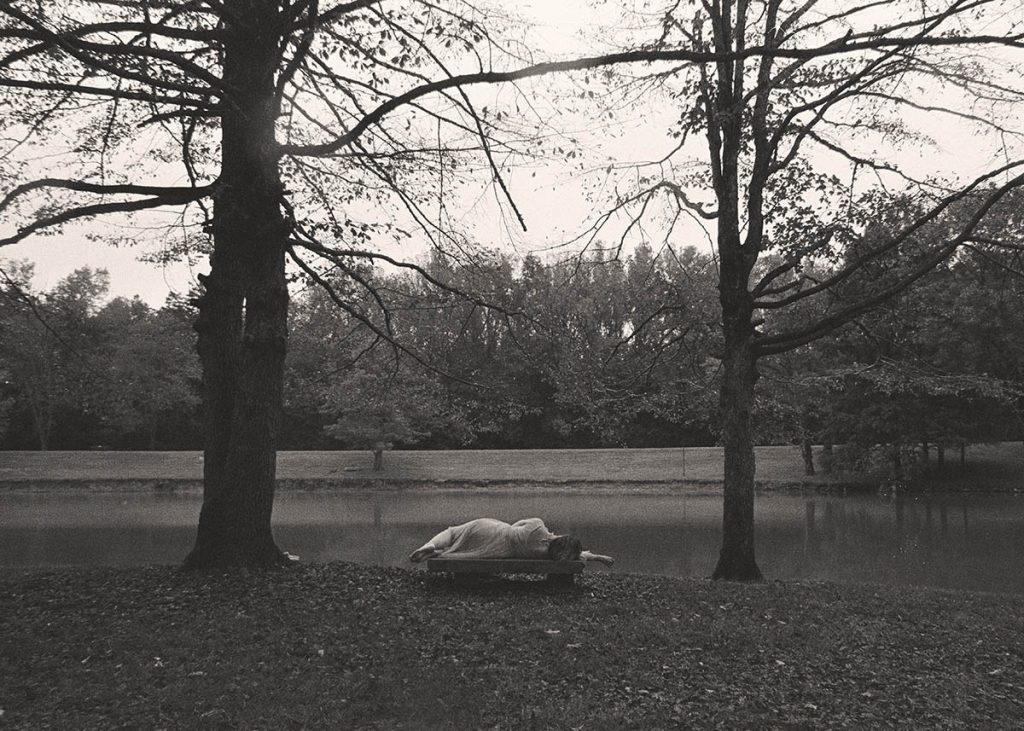
Self portrait shot on film.
If you’ve ever thought about trying film self-portraits, you might be glad to know it’s actually easier than it seems.
In this post, I’ll talk about why film is still a great choice for photographers today.
I’ll also cover which film to use, how to get the exposure and framing right, how to focus when you’re in front of the camera, and how to edit your final image.
By the way:
I’ve also made a YouTube video on this topic if you prefer watching instead of reading. You can find it here.
Now, let’s start with the big question:
Why shoot film when digital photography is so much easier?
1. Why Take Self Portraits on Film?
Film photography… isn’t that a thing of the past? Who even uses it anymore?
These may be legitimate questions, but film photography is still very much alive today, even though many predicted its end when digital photography arrived.
Sure, it’s hardly used in commercial photography these days.
However, there’s a large community of film lovers worldwide, and many art photographers continue to use film for its unique and beautiful qualities.
As mentioned, I’ve recently started experimenting with film, and I would definitely recommend it to other self-portrait photographers-for several reasons:
It Will Make You a More Intentional Photographer
Film is expensive.
If you only have 36 shots, you will really want to make each one count:
No more wastage with hundreds of files that go straight to the recycling bin.
It Has Unique Qualities
Film still has an absolute unique quality that, in my eyes, is unparalleled.
Yes, you can add grain in Photoshop or use retro filters, but if you look closely at the image, you will notice that the real and artificial thing are worlds apart.
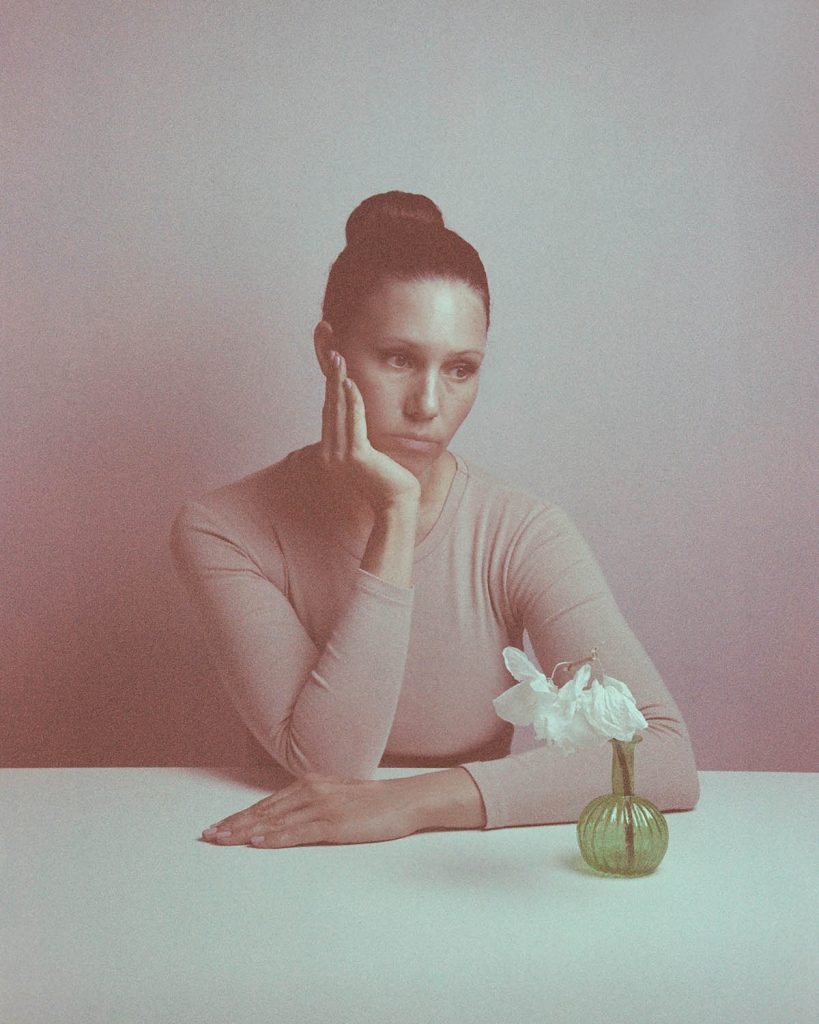
Self portrait taken on expired film, creating unexpected colour shifts and intense grain.
The image you take with a digital camera is produced on a sensor (digitally only).
In turn, the image taken with a film camera is created when light hits the light-sensitive particles in the film, which is then developed in a lab.
The grain is a result of the metallic silver particles (the light sensitive part in film); the larger the particles, the more grainy your photo.
Digital and film images look different because one is produced as part of a digital and the other as part of a physical/chemical process.
That’s why I really hope you will try out film photography at least once:
You may think your photos won’t look that different, but real film grain has an unexplainable, magical quality that you have to discover for yourself.
Film Can Lead to Happy Accidents
In film photography, there’s an element of randomness involved that can lead to beautiful images.
With digital photography, we are spoilt:
We can keep taking pictures until we get that one perfect shot where everything is “just right”.
With film, you don’t see the result until the film is developed, so you simply have to trust that you got a good shot.
This may be frustrating at times, but other times it will lead to beautiful “happy accidents”.
2. Essentials Tools for Film Self Portraits
With the reasons for using a film camera out of the way, let’s talk about what you will need for your self-portrait on film.
Film Camera
First, you’ll need a film camera.
These days, you can find them very cheaply on eBay or other online marketplaces.
However, I recommend buying from a reputable camera shop or at least an online retailer that tests their second-hand gear before selling it.
This is because you’ll want to make sure your camera is fully functional.
Buying from a reliable source helps you avoid problems like a jammed shutter or a faulty winding mechanism:
Such issues can be hard, or even impossible, to spot when buying from a private seller online.
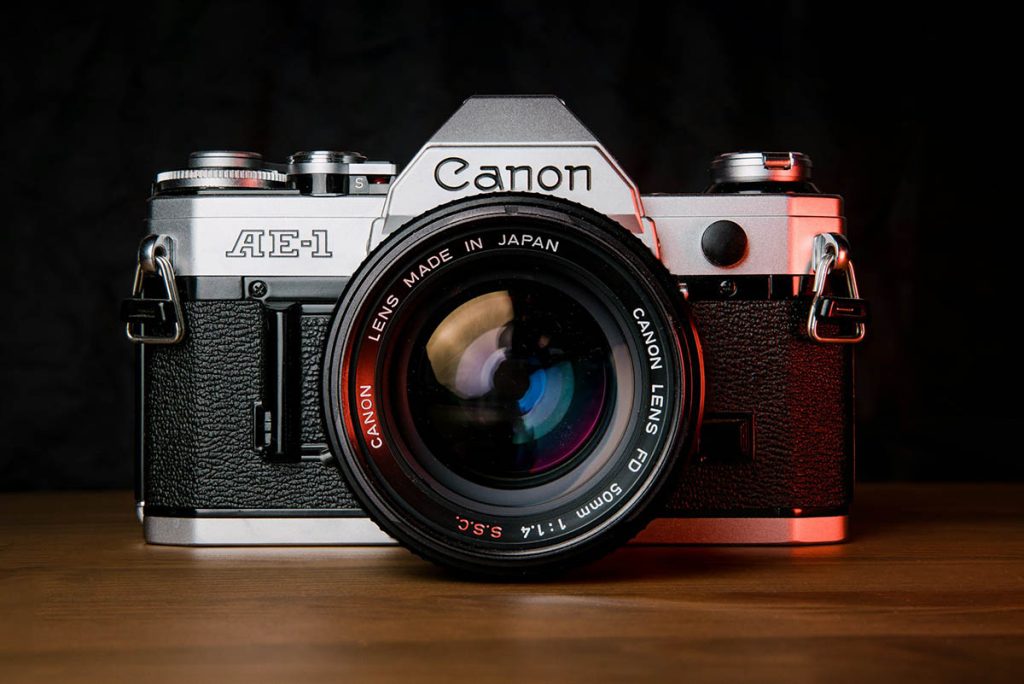
Canon film camera. Image credit: Jason Leung.
Film
Now, this is one of my controversial opinions, but I actually don’t think it matters much what film you buy.
Different brands will give you different colours or tones, but I always colour grade in Photoshop anyways and therefore am not too concerned about these differences.
The one thing you need to think about is the ISO, i.e. the light sensitivity of the film.
If you’re planning to take film self portraits inside with good lighting, like natural light from a window, you can use ISO 400.
If you’re shooting in low lighting conditions inside using artificial light, from a technical standpoint, it would be best to use ISO 800 (just know that the images will be grainier with a higher ISO).
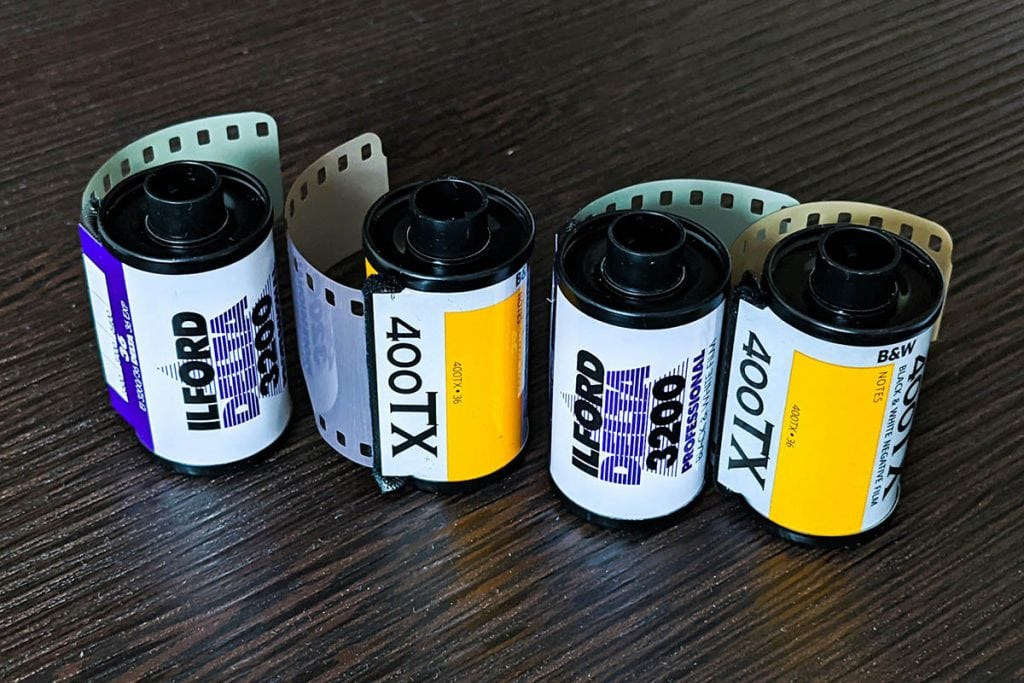
Rolls of film. Image credit: Chris Boland.
Personally, I like slightly underexposed, moody images, so you could also make the stylistic choice to use ISO 400 film inside with low light.
There is a way to “test” your ISO beforehand; I will get to that in a moment.
If you plan on taking photos outside, or you are shooting inside using a studio flash (that’s what I do), you can use ISO 200 or even 100.
If you want to learn more about ISO and shutter speed, check out my in-depth guide here:
Shutter Speed and ISO Explained
Digital Camera with Adjustable Settings
“Wait, didn’t you say we’re taking self-portraits on film? Why do we need a digital camera?”
Well… some might call this cheating, but I think it’s a perfectly valid approach for beginners (and I even know a few professional photographers who use this method).
Here’s how it works:
First, set up a digital camera on a tripod. Make sure to use the same ISO as your film.
Then, take a few test shots until you’re happy with both your camera settings (aperture and shutter speed) and your framing.
Next, set up your film camera and transfer the aperture and shutter speed settings from your digital camera.
This way, you can be confident that your final images will likely have the exposure and framing you want.
If You Don’t Have a Digital Camera
If you don’t have a digital camera with adjustable settings, there is another way!
You can simply use a light meter to measure the light and give you the ideal settings.
(This is actually the “correct” way, but I prefer the method above because it gives you a chance to “preview” your photo–incredibly useful for self-portraits.)
But back to light meters:
Most film cameras actually have an in-built light meter (or an external tool to measure the light), so if that’s the case and you know how to use it, go for it.
However, I have found that those integrated light meters are often broken/missing in second hand cameras.
Also, many of them degrade over time and give you an incorrect exposure reading, so I recommend using an app on your phone.
Here’s a great article explaining how to use light meter apps.
By the way…I’ve written a free ebook with lots of tips and tricks for taking self-portraits – you can find it here:
Free Ebook: Self-Portraits Made Easy
If you love taking self-portraits but struggle with the technical aspects, download my free guide with essential self-portrait photography tips and common mistakes to avoid.
…but now, back to the blog post!
3. How to Get the Focus Right in Film Self Portraits
With digital cameras, it’s fairly easy these days to focus on yourself as you can use an app connected to your camera (see my article here).
For film cameras, you could use the following method:
Place an object where you will be sitting or standing, manually focus on it, then take your shot in exactly the same spot.
It’s a little frustrating as you sometimes don’t get it 100% right, but it does work.
An even better method: If you have a friend around, use them as a stand-in!
One extra tip for focusing on yourself is to pay attention to your aperture.
If you’re using a very large aperture (small f-stop), only a very small range of distance will be in focus (shallow depth of field).
This is tricky for self-portraits because if you stand just slightly in the wrong spot (this could be a matter of a few centimetres), your face could be already out of focus.
However, If you use a smaller aperture, like 7 for example, a larger range of distance will be in focus, which means it’s more forgiving for self-portraits.
(Read all about how the aperture and depth of field work in this blog post.)
If your film camera is modern enough to have autofocus, you can also use a remote trigger.
Stand in your position and half-press the button on the remote trigger to autofocus on you, then set the focus to manual again so the lens stays focused in that position.
Be careful though not to have anything standing in front of you, like a plant etc, as then the camera will most likely focus on that instead.
4. Taking the Picture/Triggering the Shutter
When it’s time to take the shot, you could use a remote trigger, if you have one.
Some of them can be set to take the photo with delay, which gives you time to throw the remote out of the frame before taking the picture!
If you don’t have a remote trigger, use the self-timer button on your camera (if you don’t know how, read the manual of your camera which should be easy to find online, even for old models).
My camera self timer delay is 10 seconds, which is ample time to get into the frame and pose.
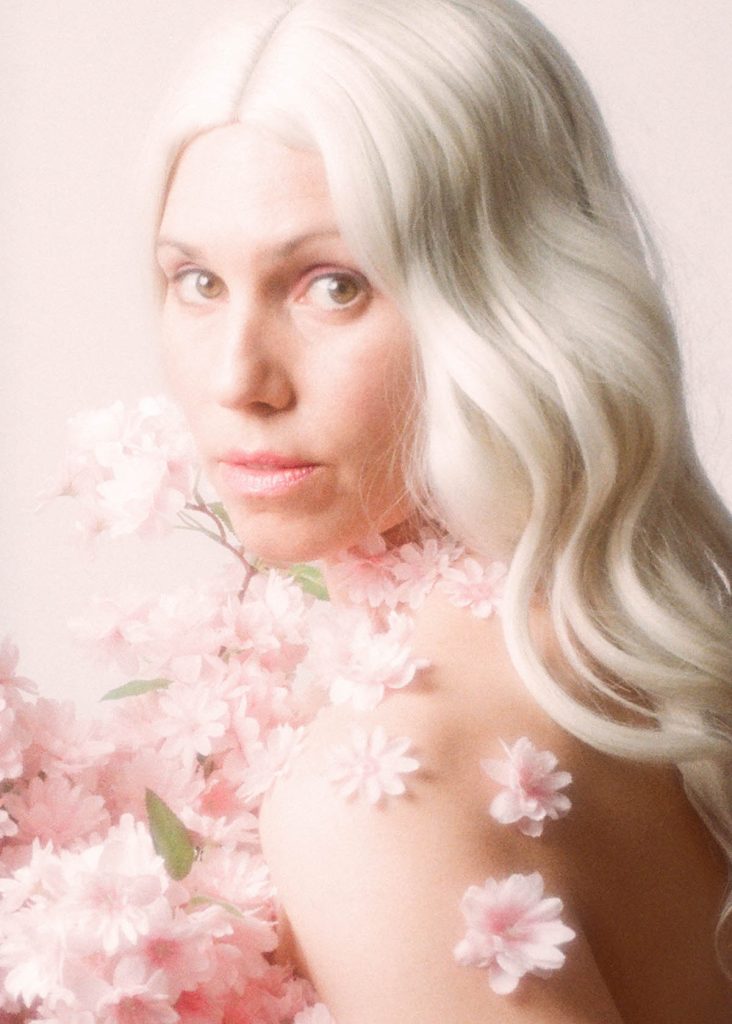
One of my self portraits on film.
5. Getting Your Film Developed
You’ve shot your roll of film…congratulations!
Now it’s time to find a lab for processing – a quick Google search should take care of that.
You may be surprised that there are more labs than you thought, even to this day!
If you live in a remote area or there’s simply no lab in your town, there are lots of labs that accept film rolls by post.
When you put your order in, ask for large quality scans–this will help with editing.
If you plan on printing your photos, the higher the scan quality, the better.
And then, the hardest part of film photography begins…waiting for your pictures!
Before I move onto the next point…did you know I’ve published an in-depth self portrait photography ebook with 70 creative prompts to inspire your self portrait journey? More info below:
Get Fresh Inspiration For Your Self-Portrait Photography
Discover new ways to approach self-portrait photography through creative prompts exploring symbolism, storytelling, painterly techniques, mixed media, and emotion.
And now, onto the last section: editing your self-portraits.
6. Editing Your Film Self Portraits
Editing your images is of course only optional, but I always recommend it, even if just to remove spots from speckles of dust or little scratches.
Simply open your scanned file in Photoshop or any other photo editing software and do a general clean-up.
As I mentioned, I also always do some colour grading in Photoshop, and I remove some details that bother me, eg. skin blemishes, stray hairs, objects in the background, etc.
And that’s it!
Thank you for reading this post – if you want to support my blog, you can buy me a coffee below:
I promise to keep this blog completely ad-free so you can read without distractions. If you want to support my work, buy me a coffee: It’s a small gesture that makes a big difference!